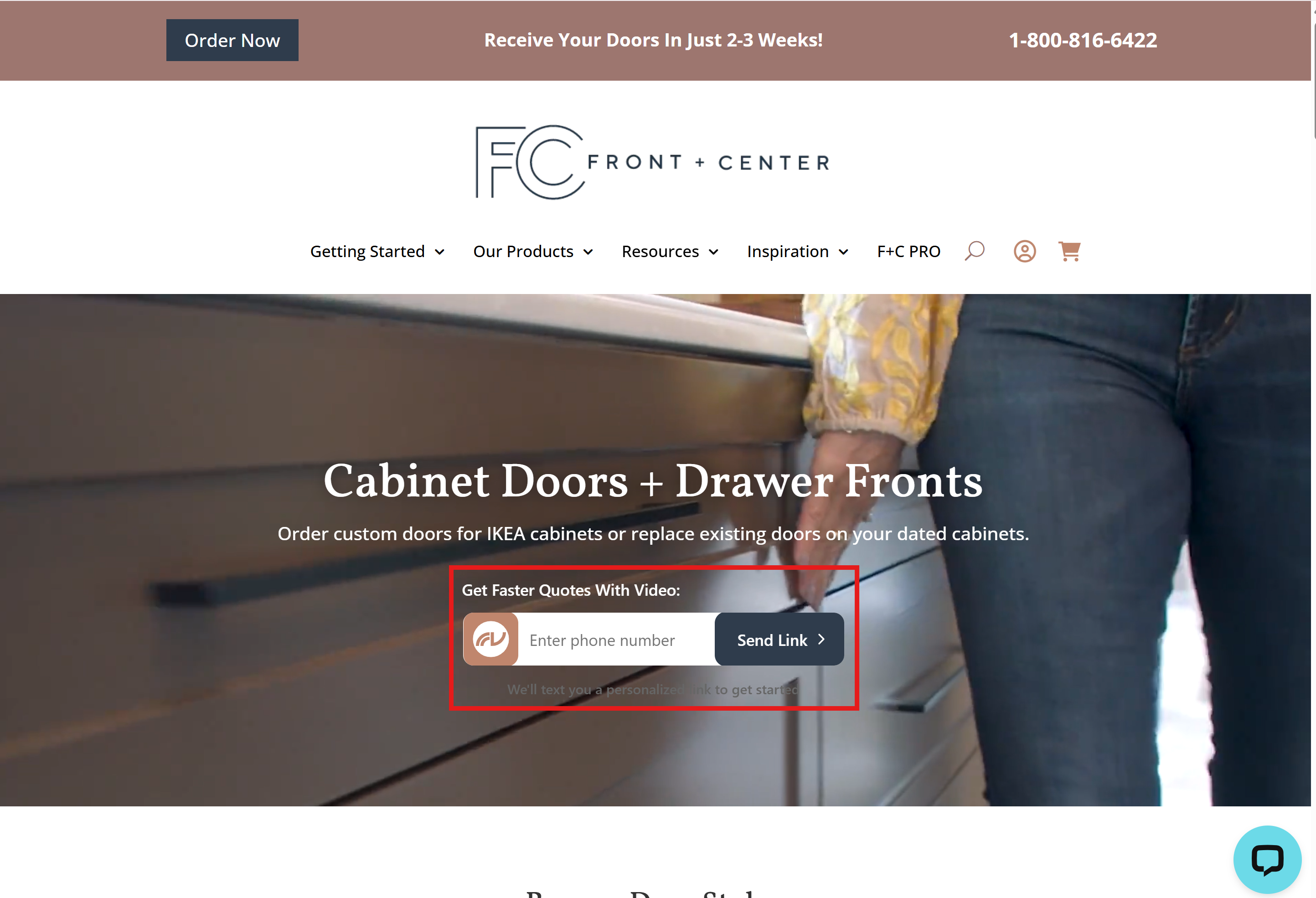
Using the embeddable button
The FormVue embeddable button is an HTML-based button that can be customized and added to your website to increase usage by your customers and prospects.
FormVue Tip: it's best to add the embeddable button to the place on your website where customers would contact you or request an estimate.
Creating an embeddable button
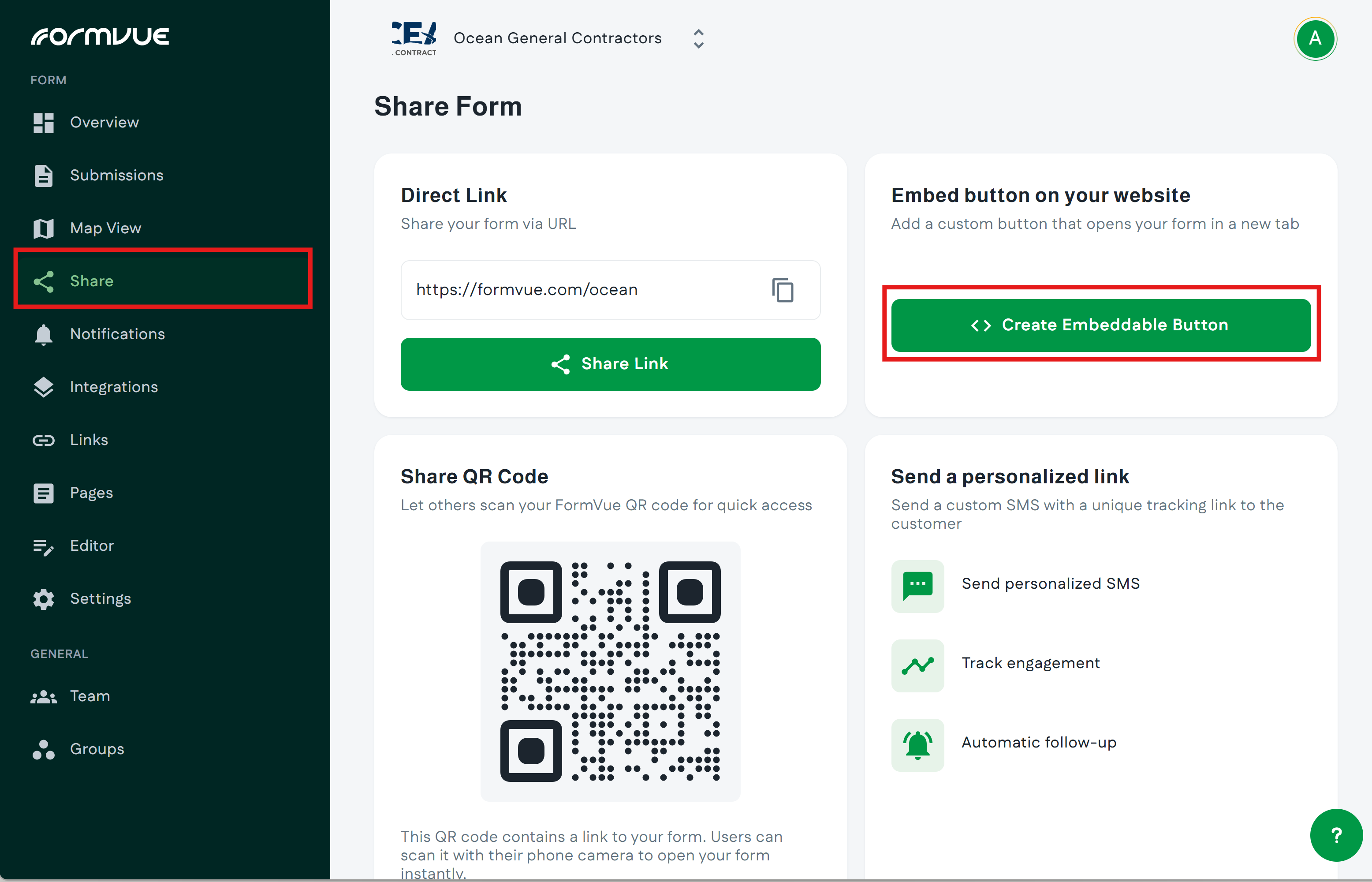
- Log into FormVue and select Share from the left-hand menu
- Select Create Embeddable Button from the share page
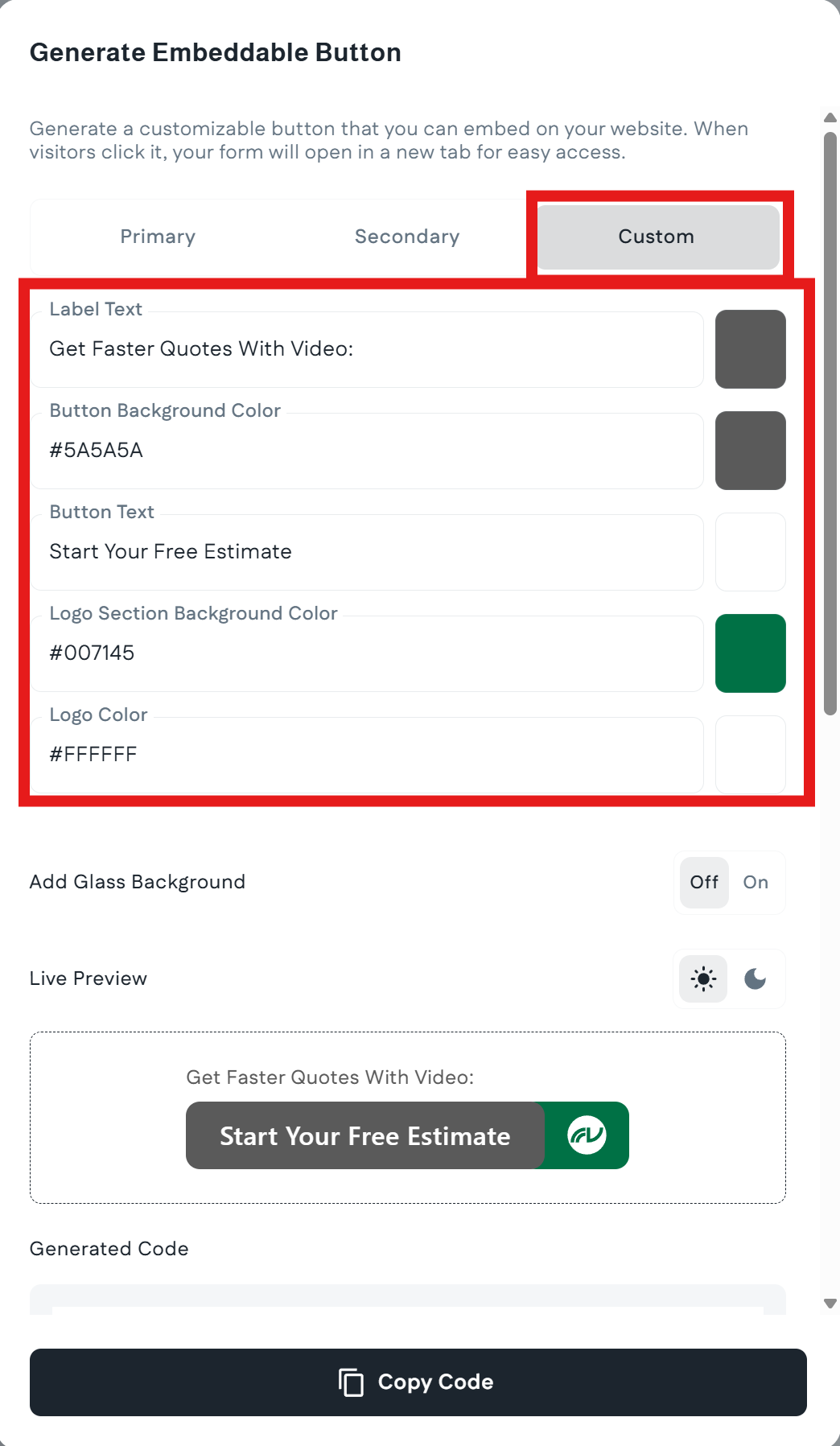
- In the Generate Embed Button window that appears:
- Click the Custom tab at the top
- Set your branded colors and text
- Validate your button appearance using the "Live Preview" area below
- Click the Copy Code button at the bottom when you're finished configuring the button
Adding the embeddable button to your website
With the embeddable code copied to your clipboard, paste the code into the HTML section of your website
Using the embeddable button
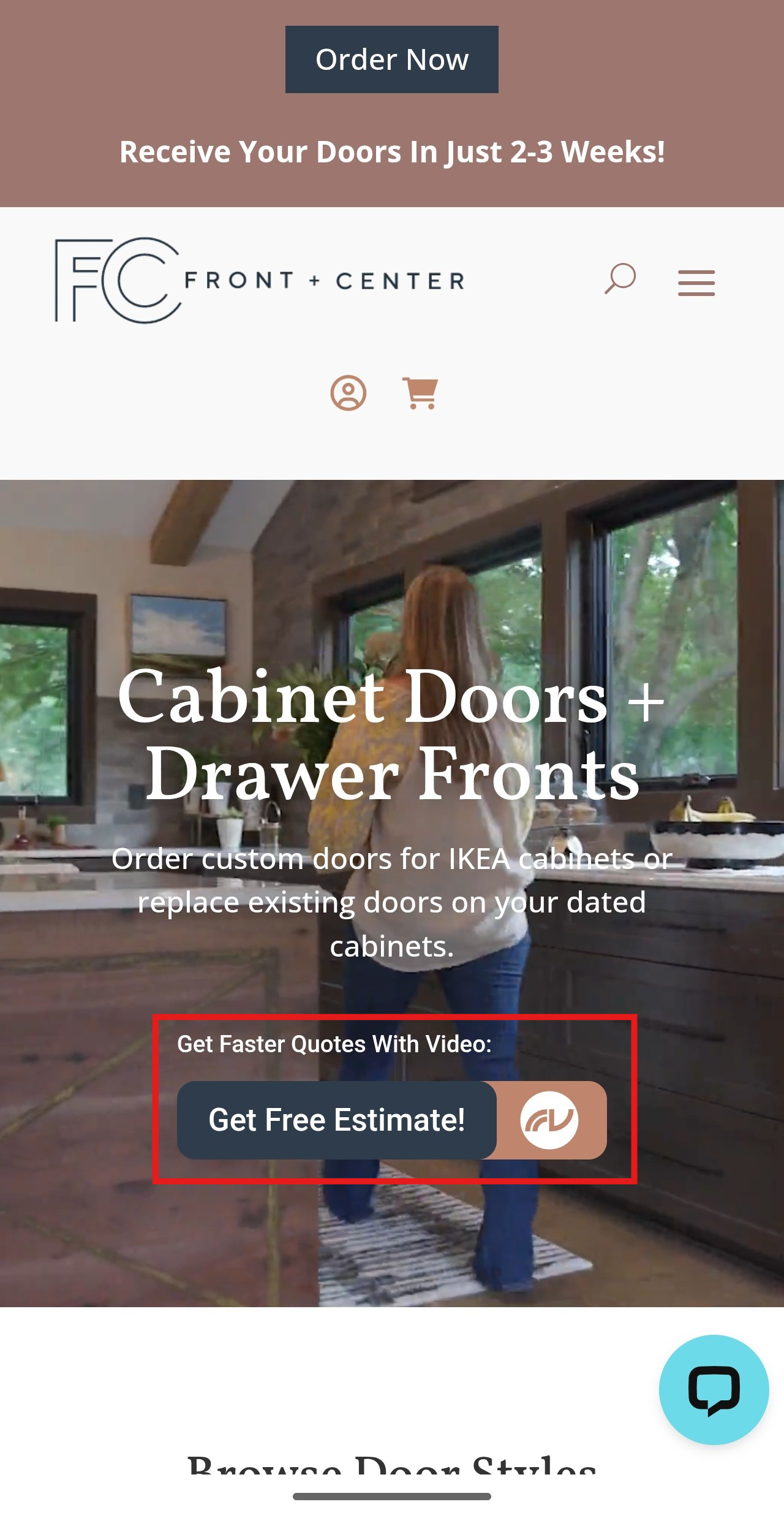
Once the embeddable button is added to your website, it allows your customers and prospects easy access your form, from either mobile or desktop.
From a mobile device clicking the embeddable button will immediately open your FormVue form.
From a desktop computer clicking the embeddable button will prompt the user for their phone number. FormVue will send a link to your form to the user via text message.