
Editing Your Link Template
Customize your link template for messages that FormVue sends your customers
When FormVue sends SMS text messages, the message is based on a template.
While you can modify this text each time you send a personlized link, you may want to modify the template so you have less editing to do each time you send a link.
The template message is used for the following activities:
- Sending a personalized link
- Sending reminder messages
- Sending links from your embeddable button
Note: Only a Team Admin to modify the link template.
Below are the steps to modify the message template:
- Login to FormVue from the web (https://formvue.com/sign-in)
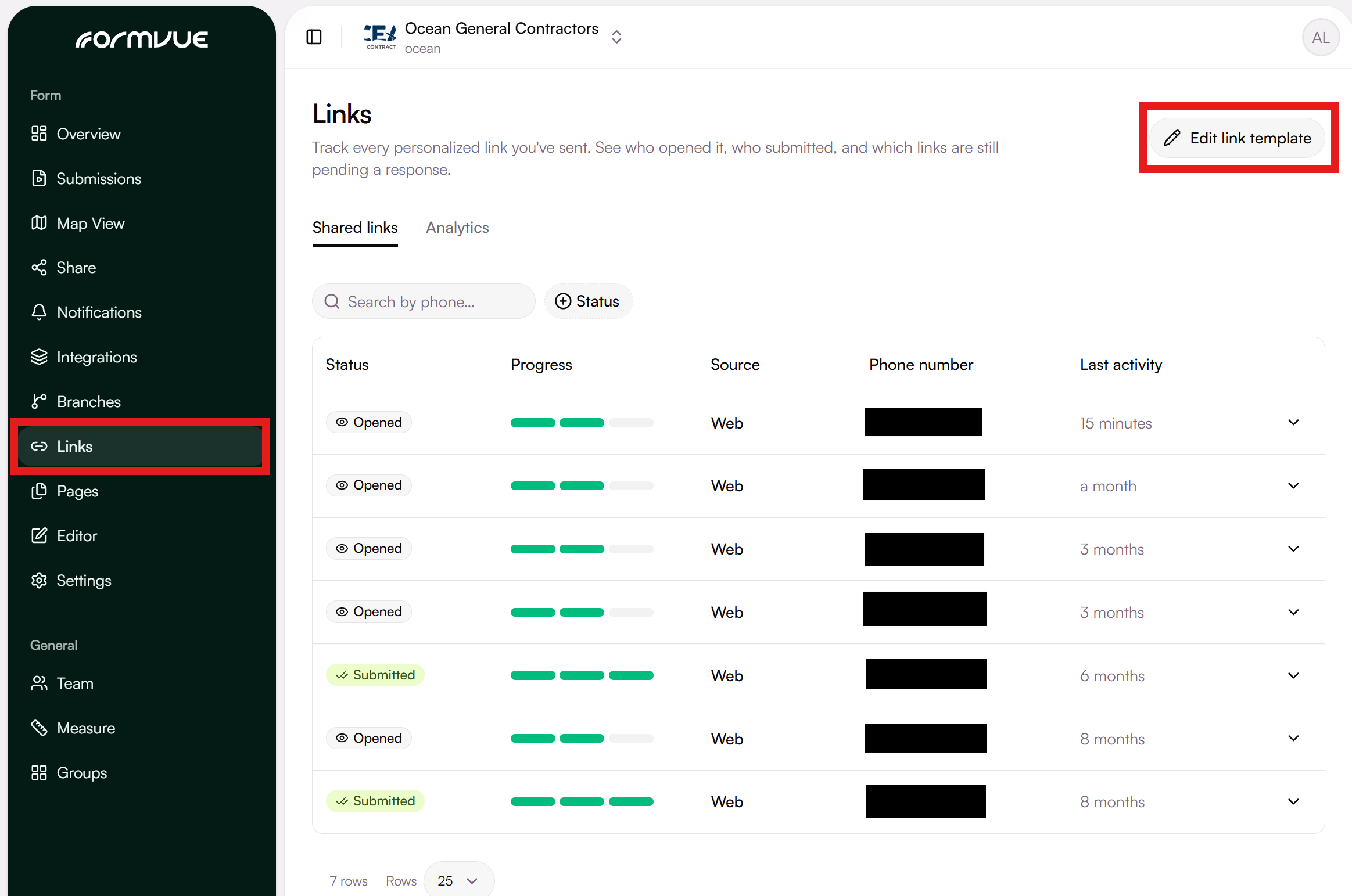
- Navigate to the Links page from the left-hand menu:
- Select Edit Link Template in the top-right corner of the Links page
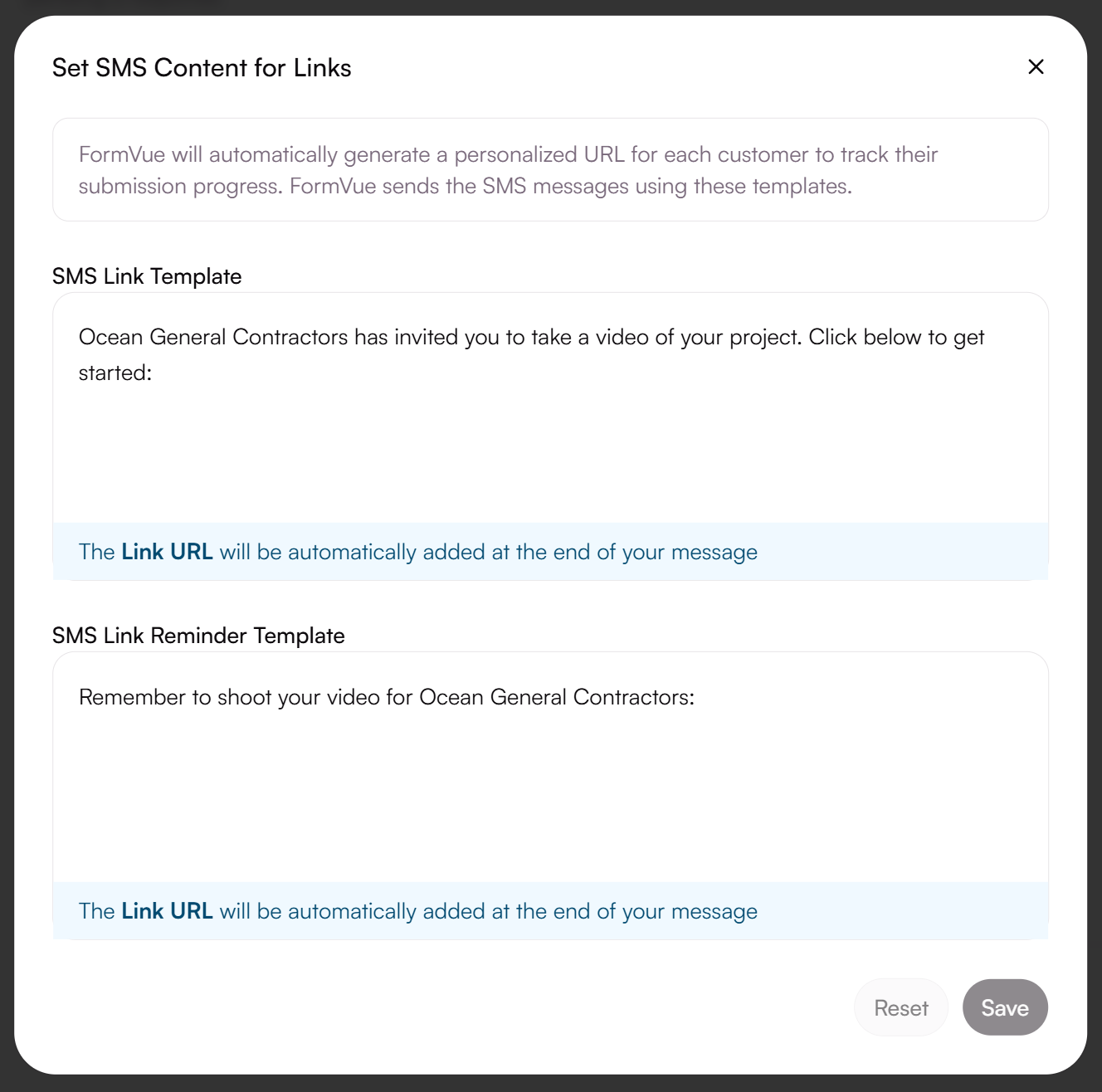
- In the window that appears, you can adjust the template for SMS Links and SMS Reminders
- Once you have updated your link template messages, click Save in the bottom right corner of the window to save your changes.
Learn more about Personalized Links