Getting your form link
The form link (URL) is the link your prospects and customers will use to access your form and submit videos.
Each form has its own unique link. Below are the steps to obtain the link so you can share it.
For instructions on creating a form, see the Creating a Form article.
Step 1. Navigate to the Forms page
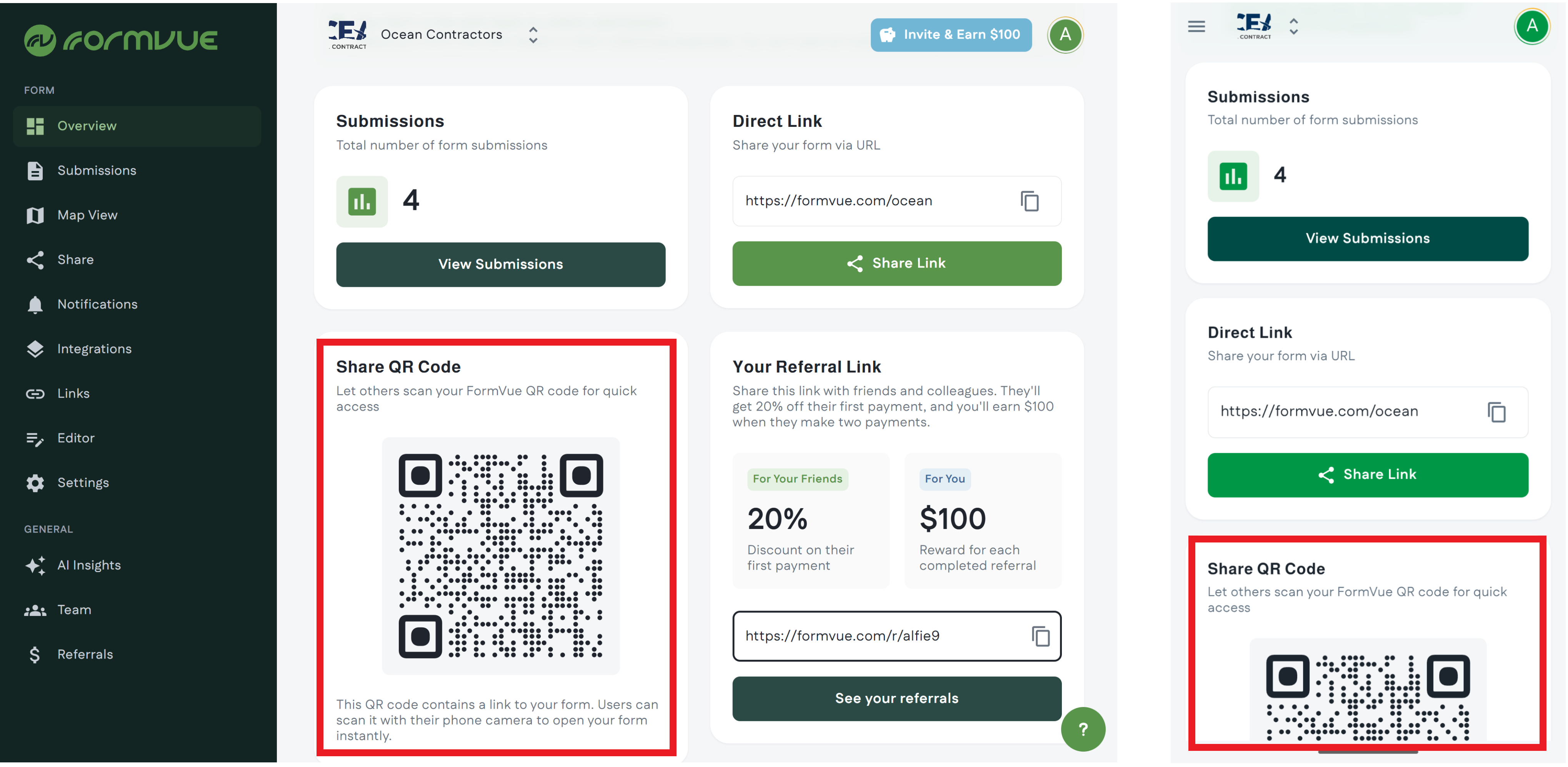
Log into FormVu you will land on the Overview page.
Step2: Select a form (optional)
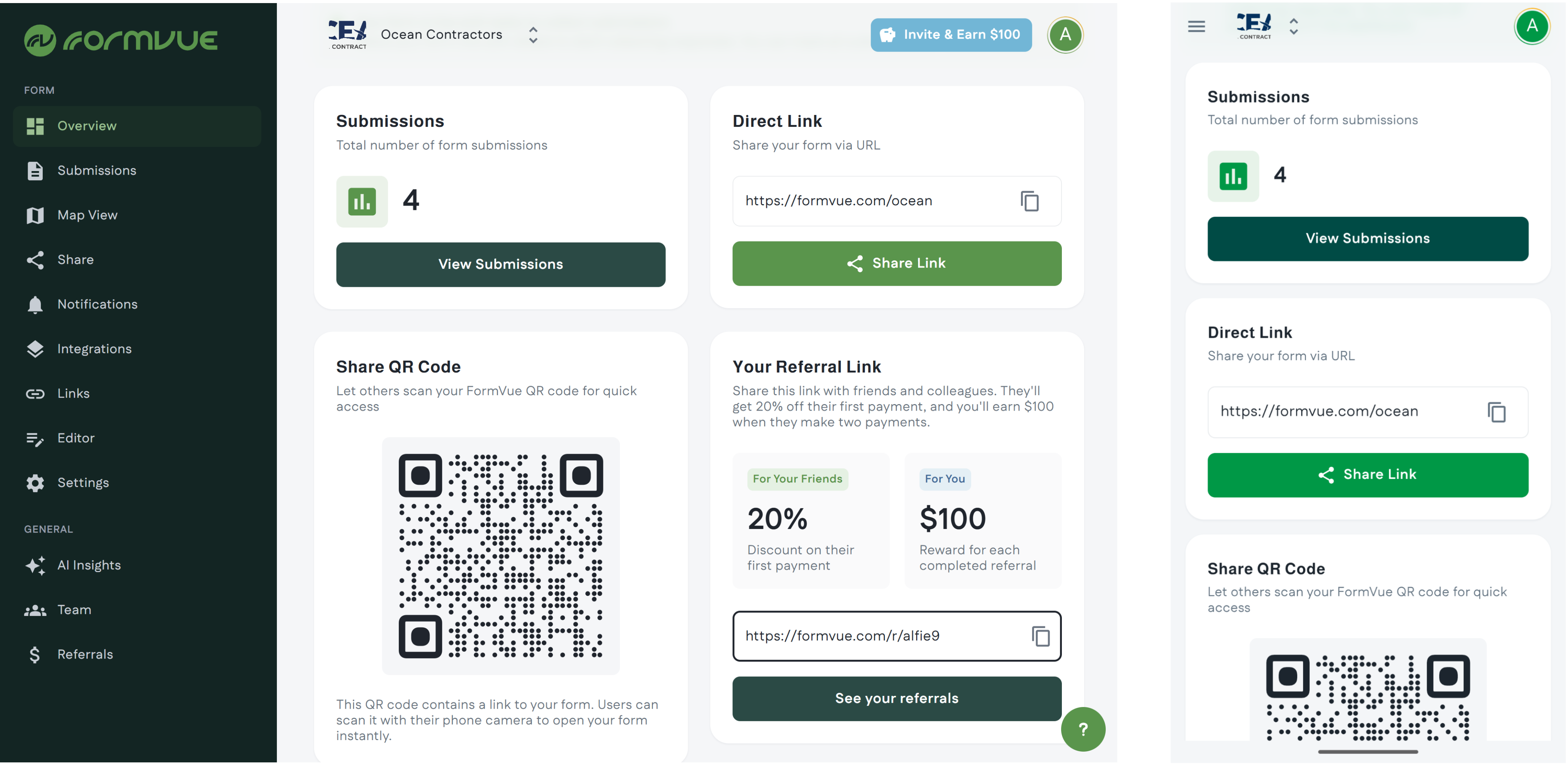
If you have multiple forms, use the drop down at the top of the page to select the form you want to obtain the link for.
If you only have one form, you can skip this step.
Step 3: Share your link
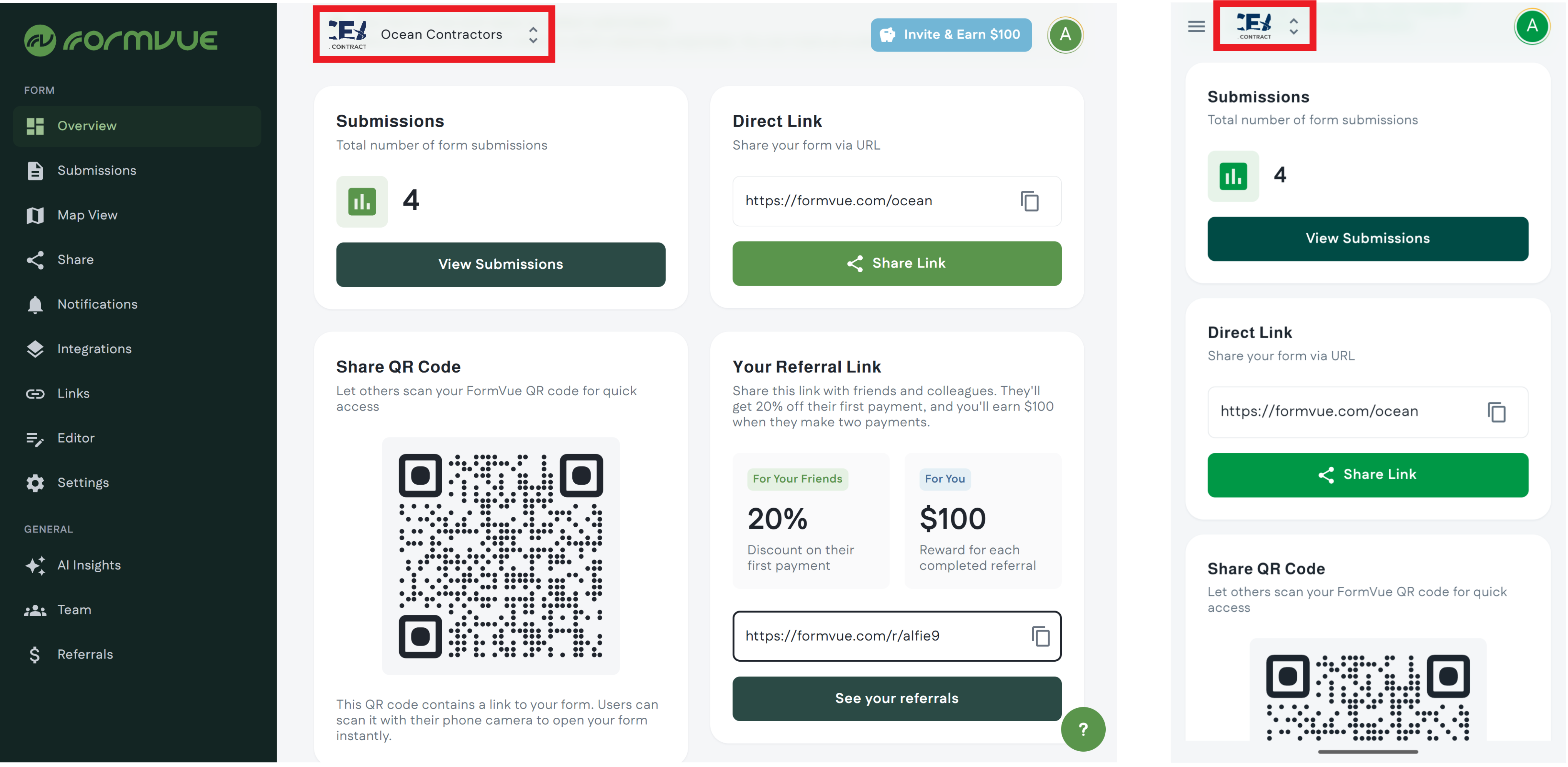
You will see your form link in the Direct Link section of the overview. There are several ways to share your link:
- Copy your link using the copy button
- Share your link using the Share Link button to use your devices applications, like iMessage or email
Step 4: Share your QR Code
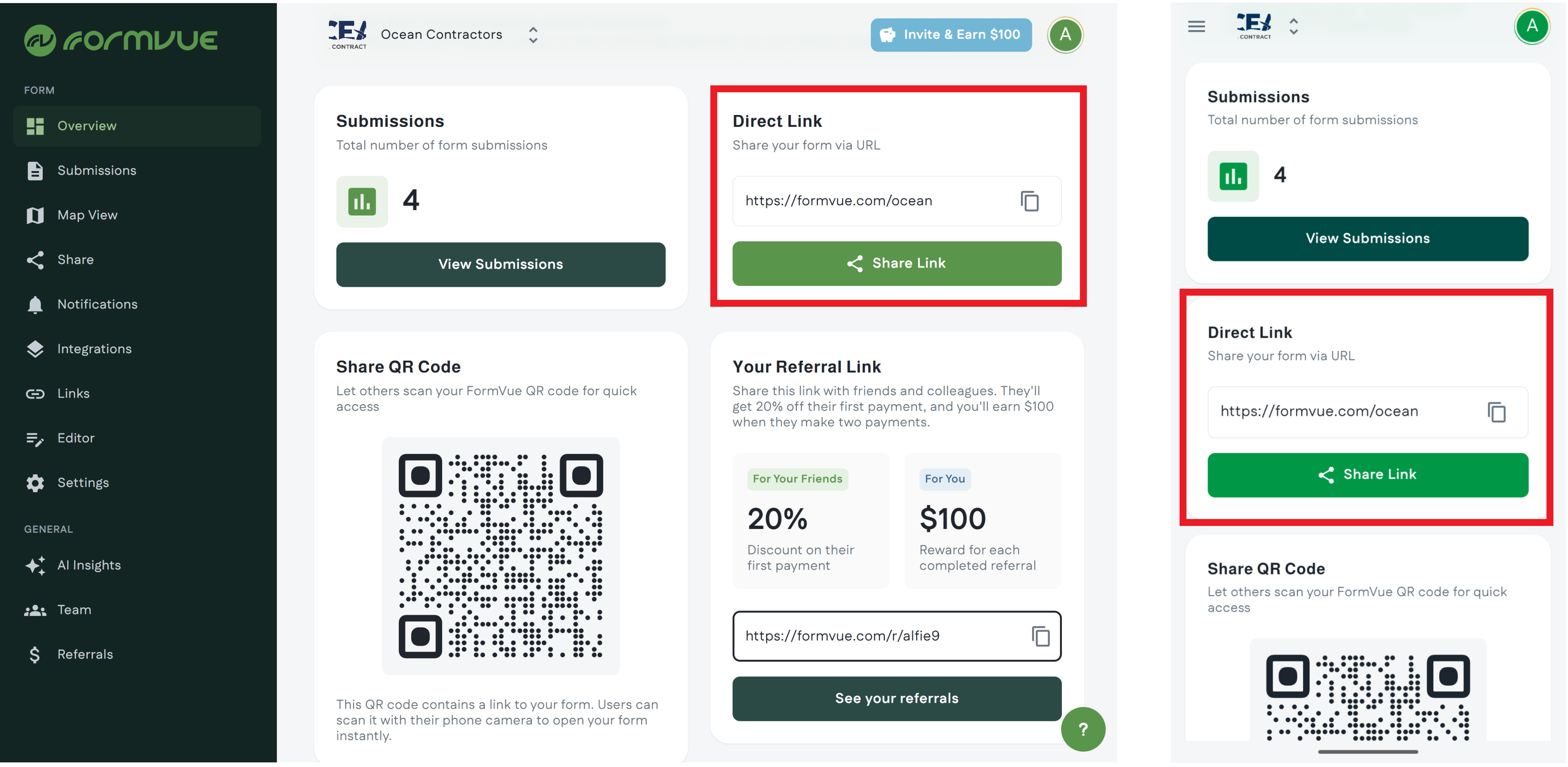
You can also share your form link via the QR code. Add the QR code to your website and business cards to make it easy for customers to access your form.