
FormVU Integration Guide for ServiceMinder
FormVU is capable of sending your form data and the form video link to ServiceMinder. This allows you to keep your existing workflows and CRM but allowing you to gain the valuable insights from your customers video form.
Steps:
Create the Custom Field
Log into ServiceMinder, click on "Settings" to get to the Control Panel
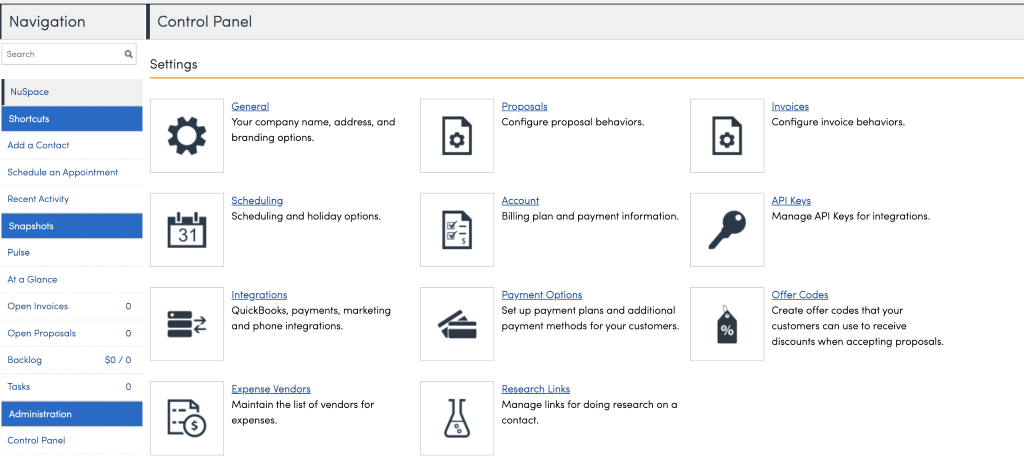
Scroll down and find "Custom Fields"
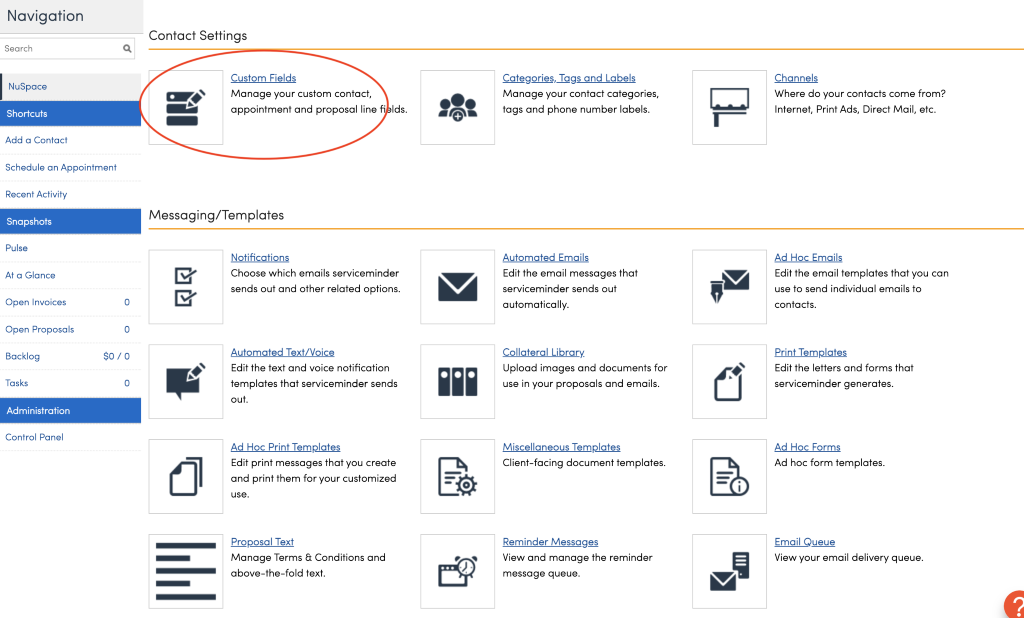
Click on "Add..."
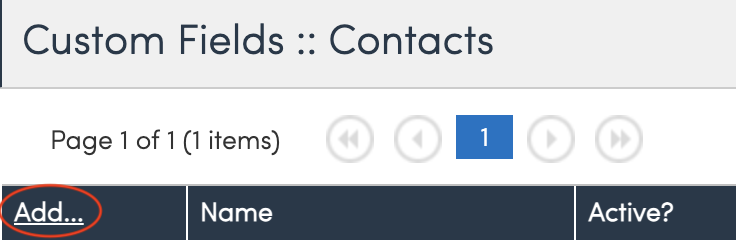
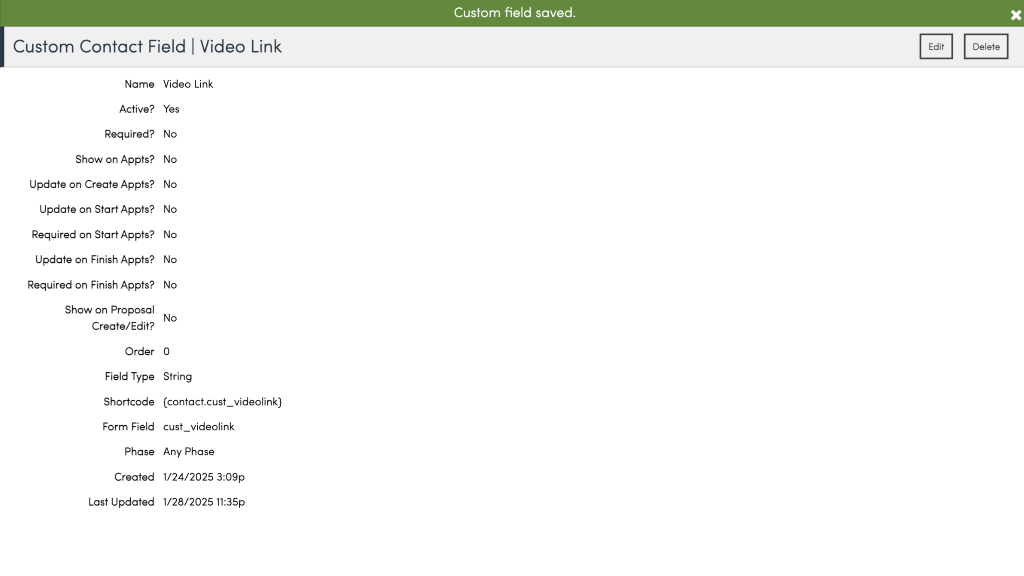
Type in "Video Link" into Name
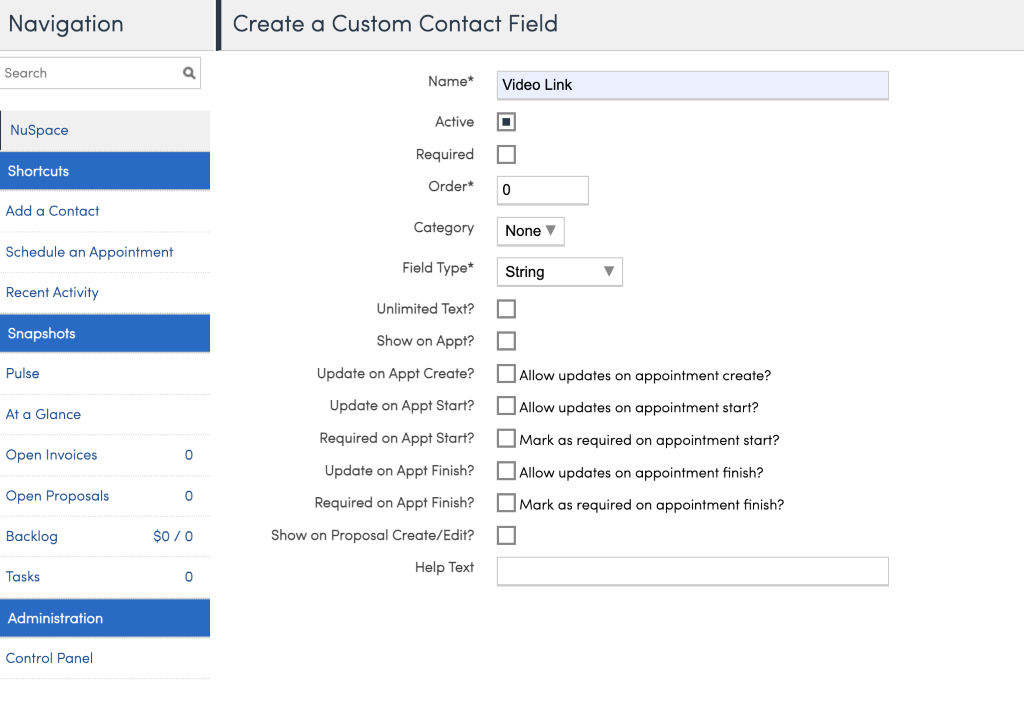
This will show a success screen, note that the field is cust_videolink, this is very important as Formvu sends the URL for the video as this custom field
Create the API Key
Go back to the Control Panel, click on API Keys
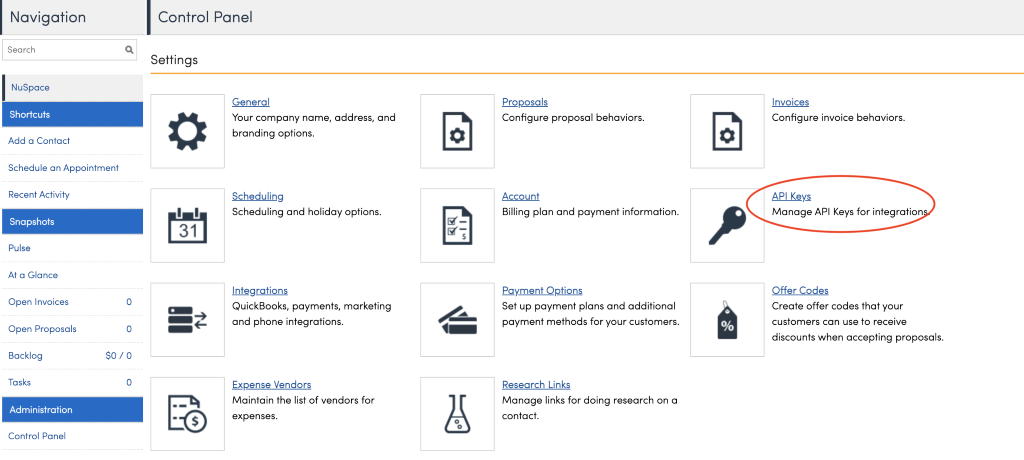
Click on "Add..."
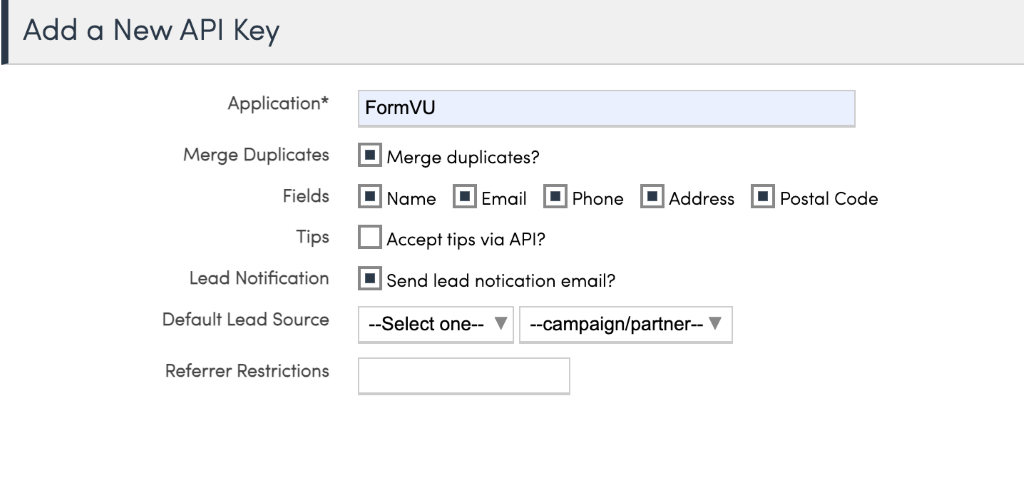
Click Save. Copy the API Key
Create the FormVU integration
Login into https://app.formvu.com/sign-in
Click on the Form which should send its data to ServiceMinder
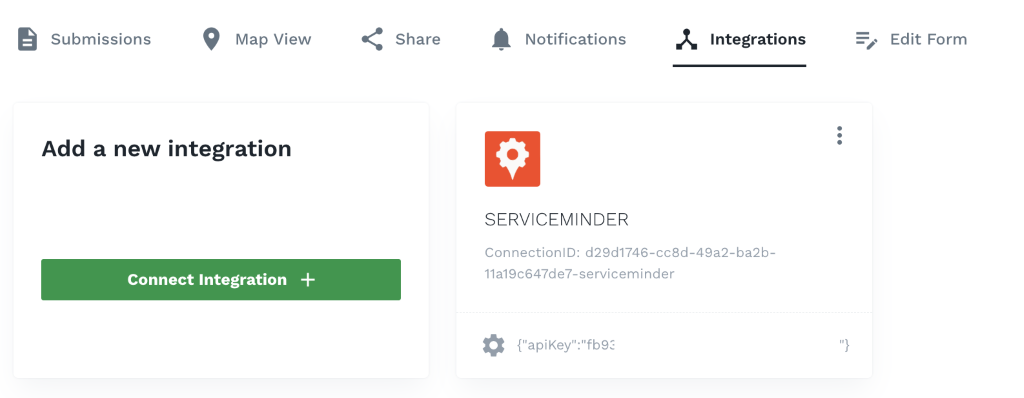
Click on the Integrations Tab
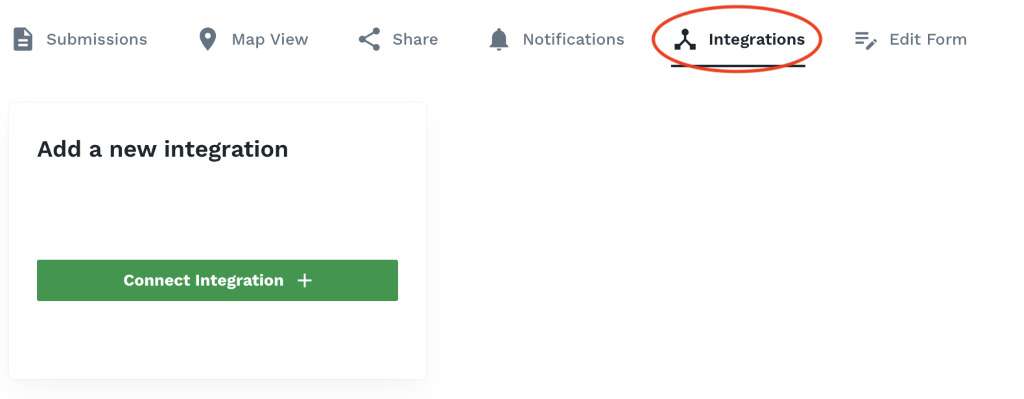
Click on "Connection Integration" -> Select "ServiceMinder"
Paste in your APIKey
Should see this integration created
Test it out
Shoot a video. After it's done processing, the information should be stored as a Contact in ServiceMinder
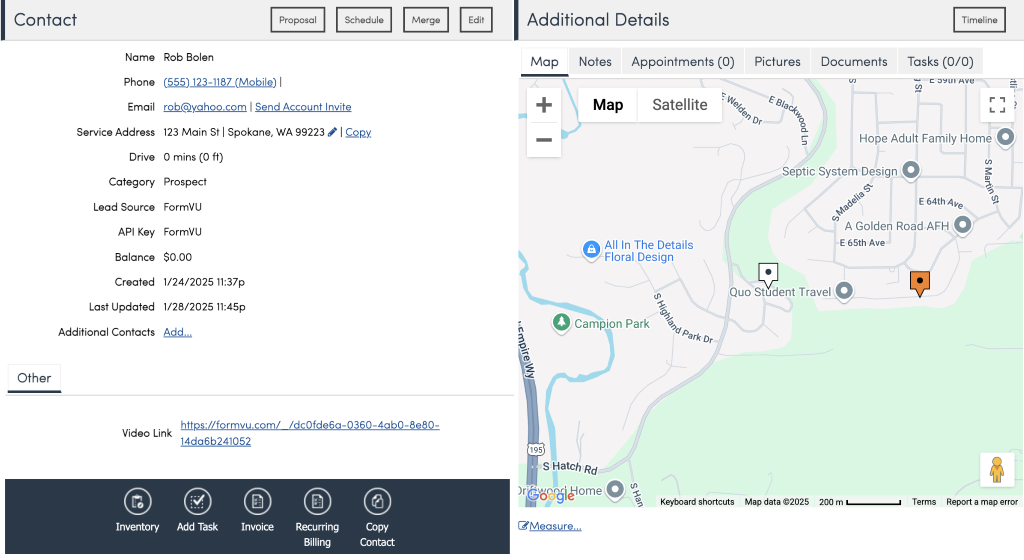
Where that link is clickable and takes you to the video + AI insights